How to Make a Brat Wallpaper for Your Phone
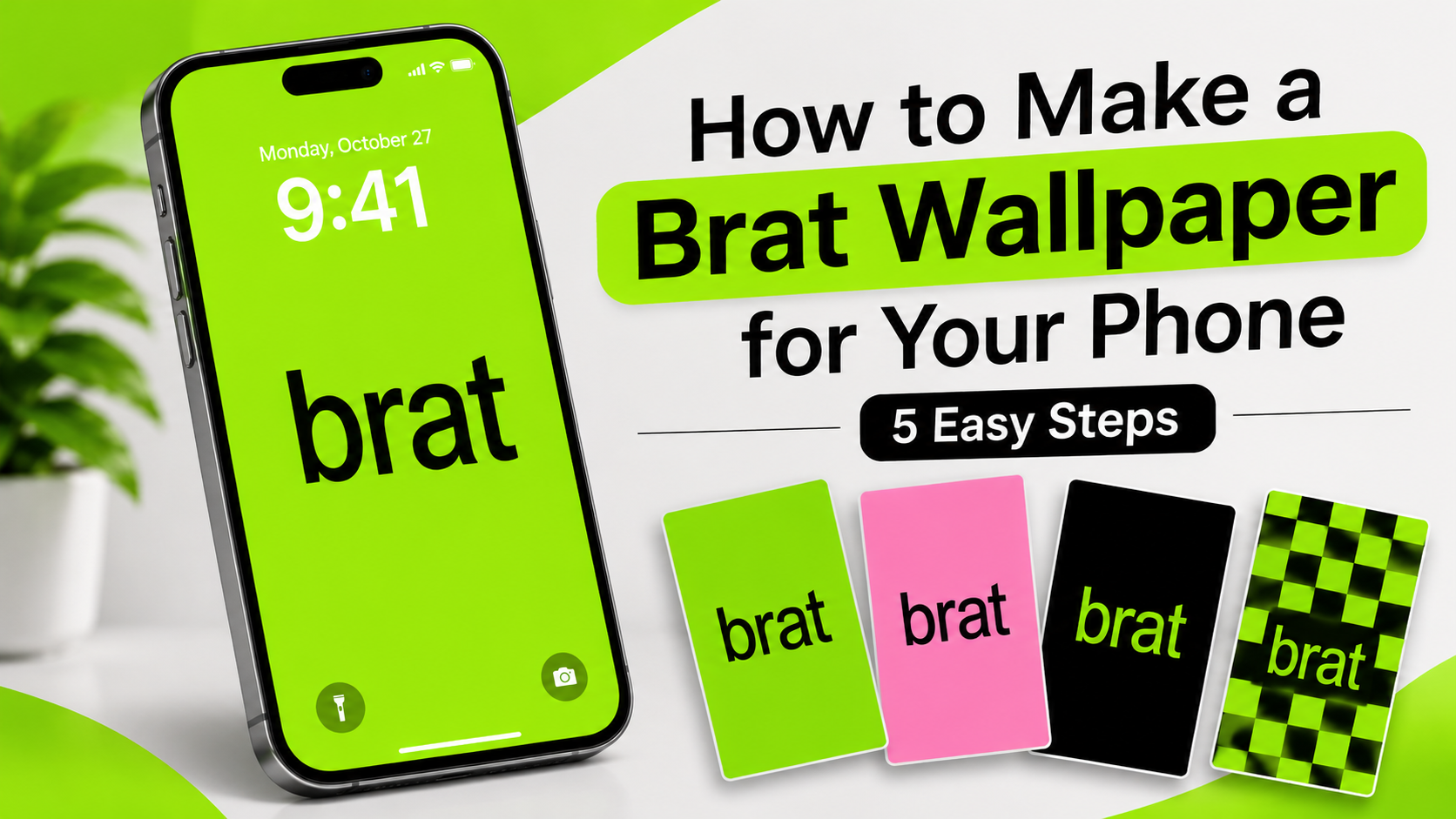
Brat wallpapers are a fun way to bring the bold Brat aesthetic to your phone screen. They often feature bright green backgrounds, simple lowercase text, and clean designs. You can create your own wallpaper using a favorite word, name, or short phrase.
In this guide, you will learn how to make a Brat wallpaper for your phone with simple steps and creative ideas.
What Is a Brat Wallpaper?
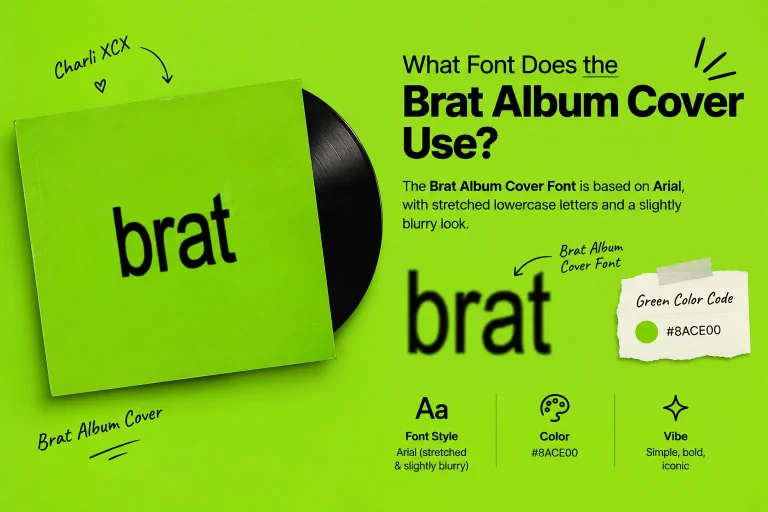
A Brat wallpaper is a phone background inspired by the Brat aesthetic associated with Charli XCX’s Brat album. It is known for its bright lime green color, simple black text, and minimal design.
You can make your wallpaper with a single word, your name, a short quote, or any text you like.
How to Make a Brat Wallpaper
Follow these simple steps to create your own Brat-inspired phone wallpaper.
1. Choose Your Background Color
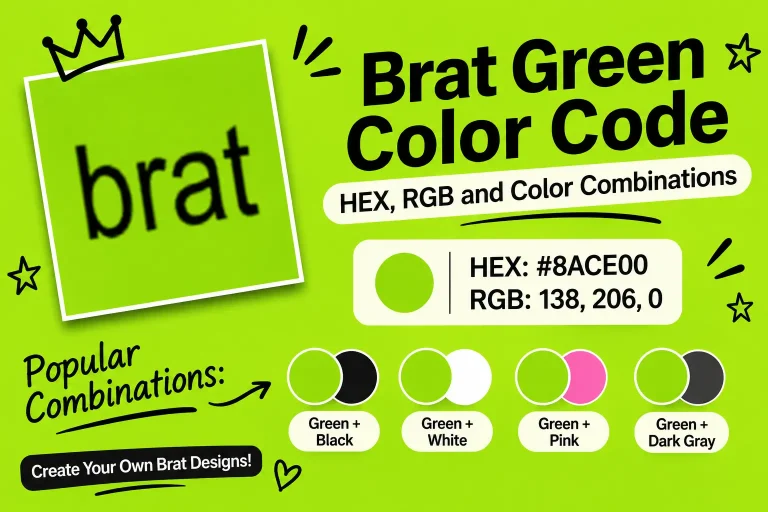
Start with a bright lime green background. The commonly used Brat-inspired green color is #8ACE00.
You can also try pink, white, or black backgrounds if you want a different look.
2. Pick Your Text
Choose a short word, name, or phrase for your wallpaper. Simple lowercase text works well with this style.
Some ideas include:
- Your name
- Your favorite word
- A short quote
- A song title
- A fun phrase
3. Choose a Text Style
Select a bold and simple font that is easy to read. Keep the text clear and avoid adding too many decorative elements.
You can explore our Brat Text Generator to create text for your design.
4. Create Your Wallpaper
Open our Brat Generator, enter your text, and choose your preferred style. Try different text and color combinations until you find a design you like.
5. Download and Set Your Wallpaper
Preview your design before downloading it. Save the image to your phone and set it as your home screen or lock screen wallpaper.
Make sure the text is visible and does not get covered by your phone’s clock or app icons.
Brat Wallpaper Ideas for Your Phone
Here are some simple ideas to help you create a unique wallpaper:
Green Brat Wallpaper
Use a bright green background with bold black text. This is a classic choice for a Brat-inspired design.
Pink Brat Wallpaper
Choose a pink background for a softer and more playful look. You can add your name or a short phrase.
Minimal Brat Wallpaper
Keep the design simple with one word in the center. Avoid extra shapes and decorations.
Personalized Brat Wallpaper
Add your name, nickname, or favorite quote to make a wallpaper that feels personal to you.
Tips for Making a Good Phone Wallpaper
- Use a simple design that looks clear on a small screen.
- Choose colors that make your text easy to read.
- Keep important text away from the clock area.
- Use a high-quality image to avoid a blurry background.
- Preview the wallpaper before setting it on your phone.
Frequently Asked Questions
What Color Is Used in a Brat Wallpaper?
Bright lime green is commonly associated with the Brat aesthetic. The color code often used for Brat-inspired designs is #8ACE00.
Can I Make a Brat Wallpaper With My Name?
Yes. You can use your name, nickname, or any short phrase to create a personalized Brat wallpaper.
Can I Use Other Colors for a Brat Wallpaper?
Yes. You can try pink, white, black, or other colors to create your own version of the Brat aesthetic.
How Do I Set a Brat Wallpaper on My Phone?
Download your wallpaper image to your phone. Open your phone’s wallpaper settings, select the saved image, and set it as your home screen or lock screen background.
Conclusion
Making a Brat wallpaper for your phone is simple. Choose a background color, add your favorite text, and create a design that matches your style. You can use the Brat Generator to make your own design and save it for your phone screen.