
Your image
Upload a photo and the generator turns it into a Brat image. No photo? Pick a pattern below.
Patterns show when no photo or artwork is picked.
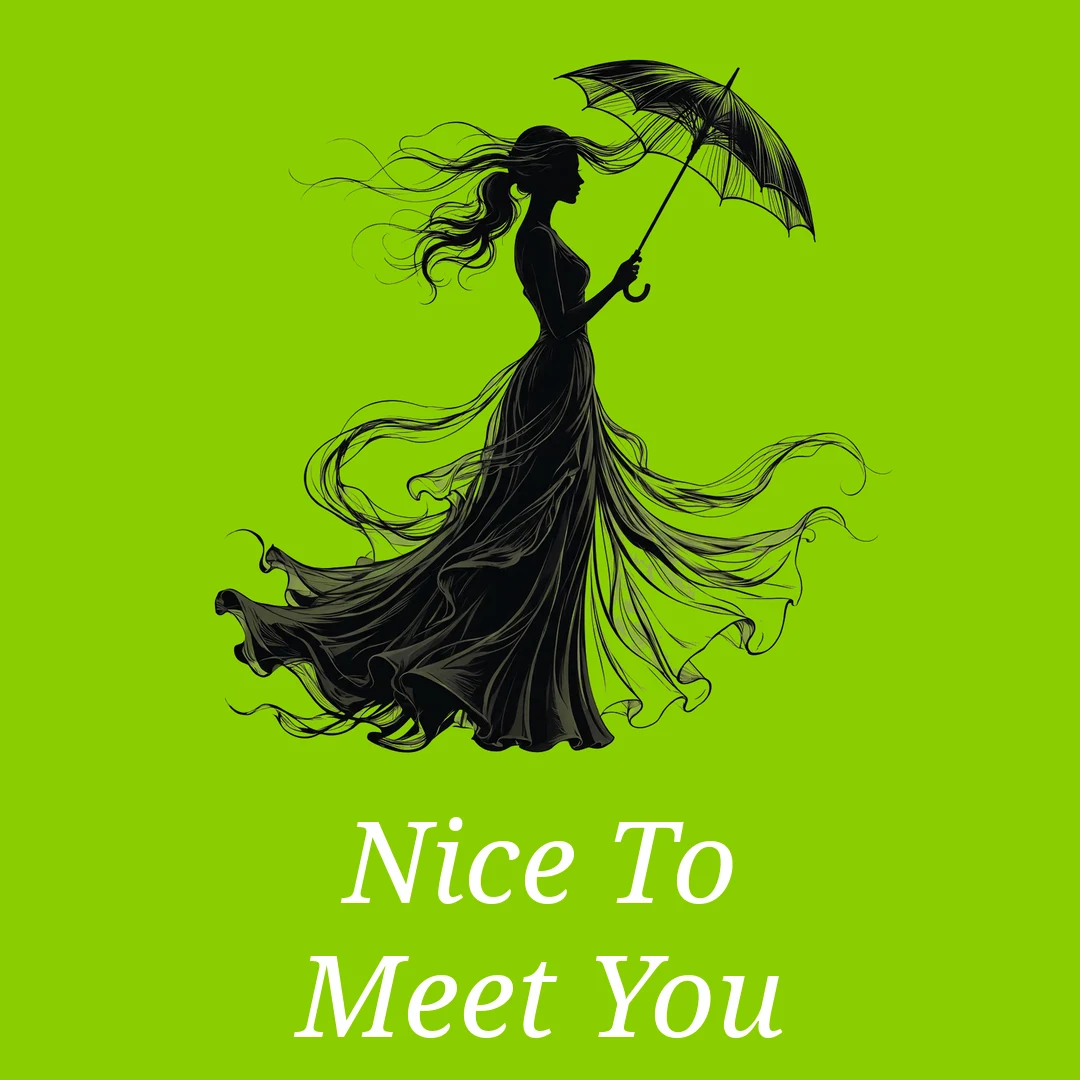
A solid black silhouette behind your text. Woman is the classic album look.
Ready-made album artwork. Pick one and add your own text — no photo needed.
Serif Italic is the clean album look — pink text on lime. Narrow is the classic stretched Brat look.
Square 1080 is best for album art and Instagram. Story is 1080 by 1920.
Brat Image Generator Examples
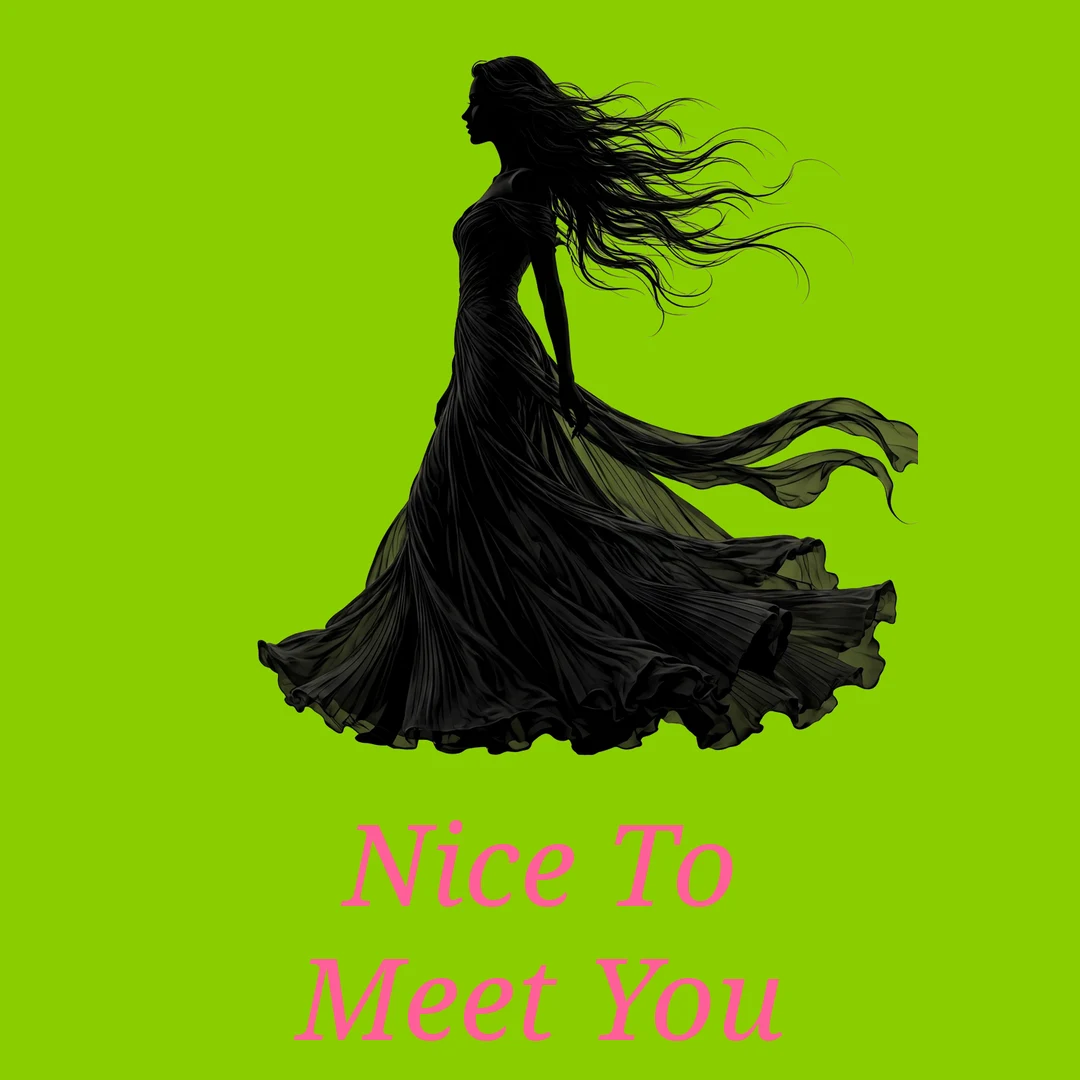
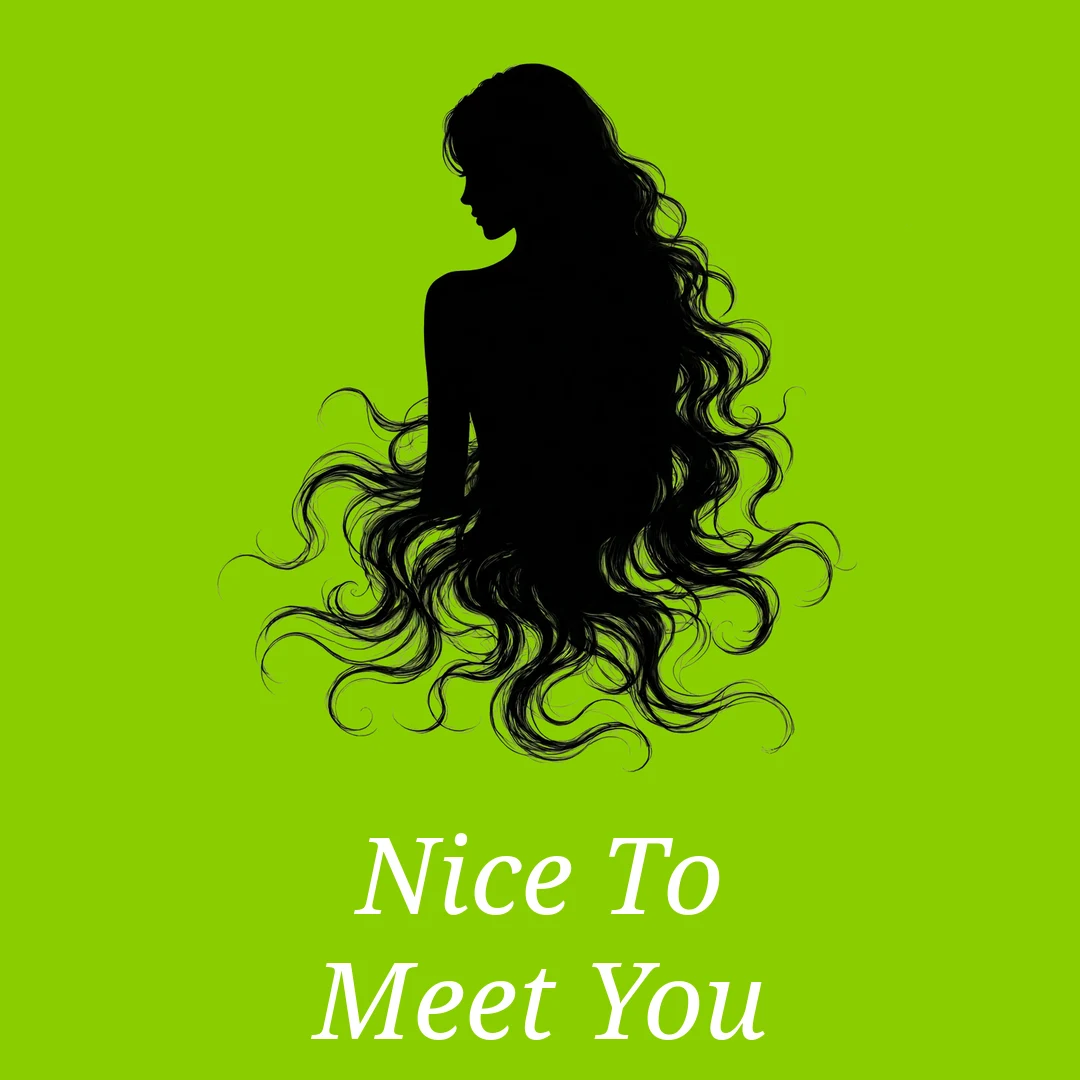
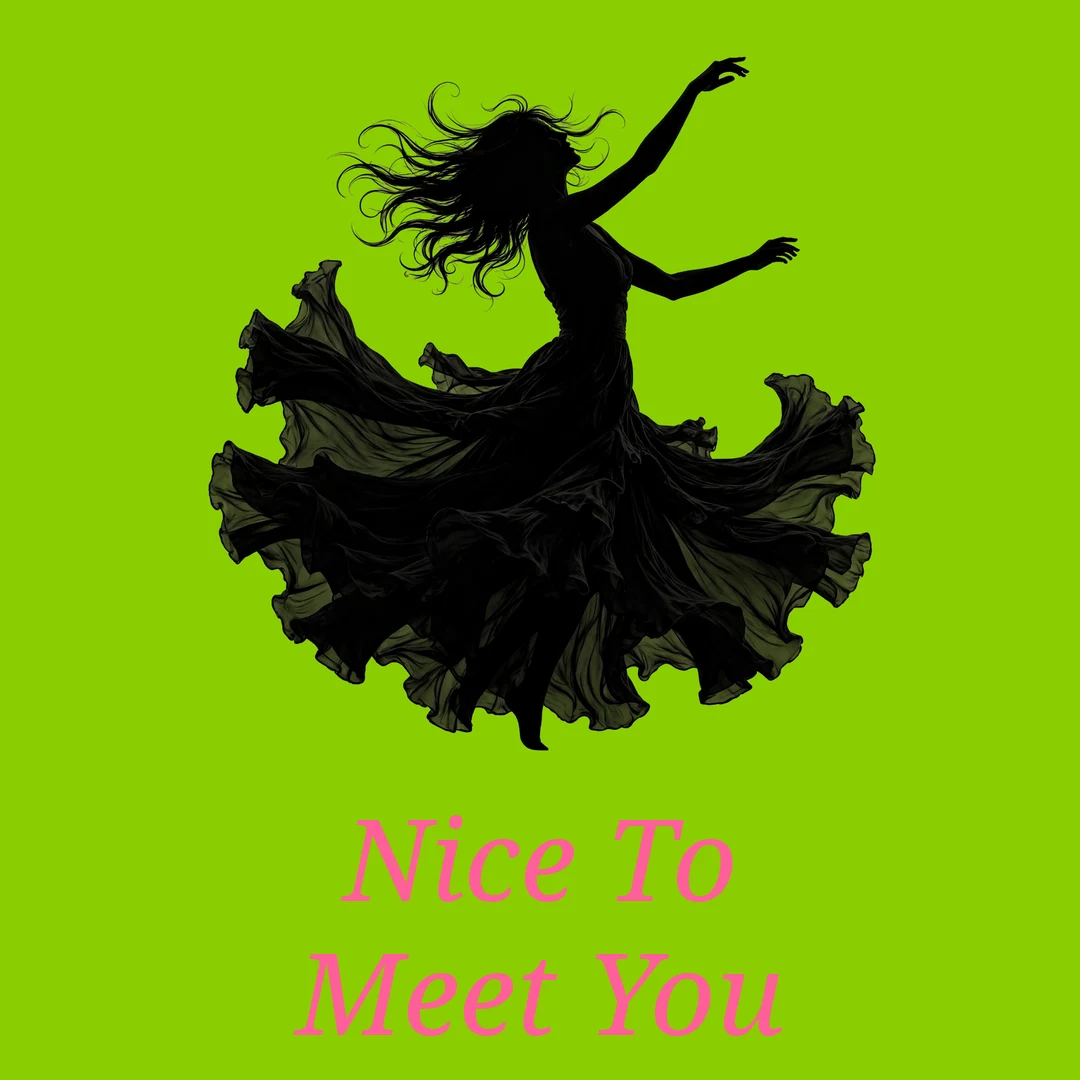
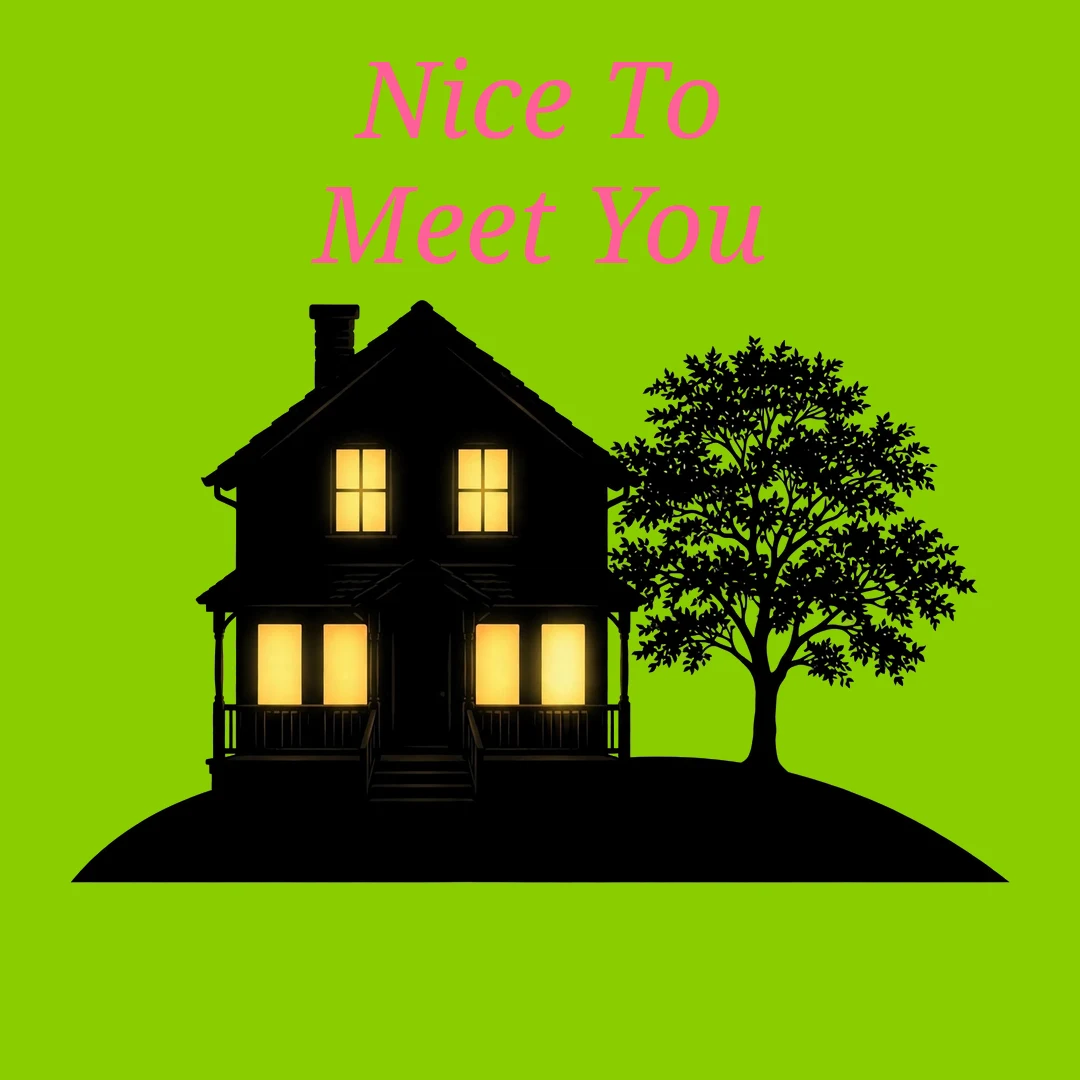
What Is the Brat Image Generator?
The Brat Image Generator is a free online tool for creating Brat-style images. Choose ready-made artwork, upload your own photo, or select a background pattern. Add custom text, adjust the colors, and download your design in PNG, JPG, or WebP format. No sign-up or watermark required.
Inspired by Charli XCX's Brat album aesthetic, this tool lets you create personalized images with lime green backgrounds, bold text, and your own creative style.
How to Use the Brat Image Generator
- Choose Artwork: Pick one of the four ready-made artworks, upload your own photo, or select a background pattern.
- Add Text: Enter your name, caption, or any short message.
- Select a Font: Choose from seven available fonts, including Brat Narrow, Brat Bold, and Serif Italic.
- Customize Colors: Change text color, background, size, blur, and text position.
- Download: Save your image as PNG, JPG, or WebP, or copy it to your clipboard.
Brat Image Generator Features
| Feature | Description |
|---|---|
| Ready-Made Artwork | Four original designs: Walk, Long Hair, Twirl, and House |
| Photo Upload | Add your own photo with six available filters |
| Backgrounds | Solid colors, gradients, checker, stripes, polka dots, and halftone |
| Fonts | Seven font styles to customize your text |
| Color Controls | Choose custom text and background colors |
| Image Sizes | Square 1080, Square 2160, and Story 1080 × 1920 |
| Download Formats | PNG, JPG, WebP, HD 2x, and Copy Image |
Brat Image Examples
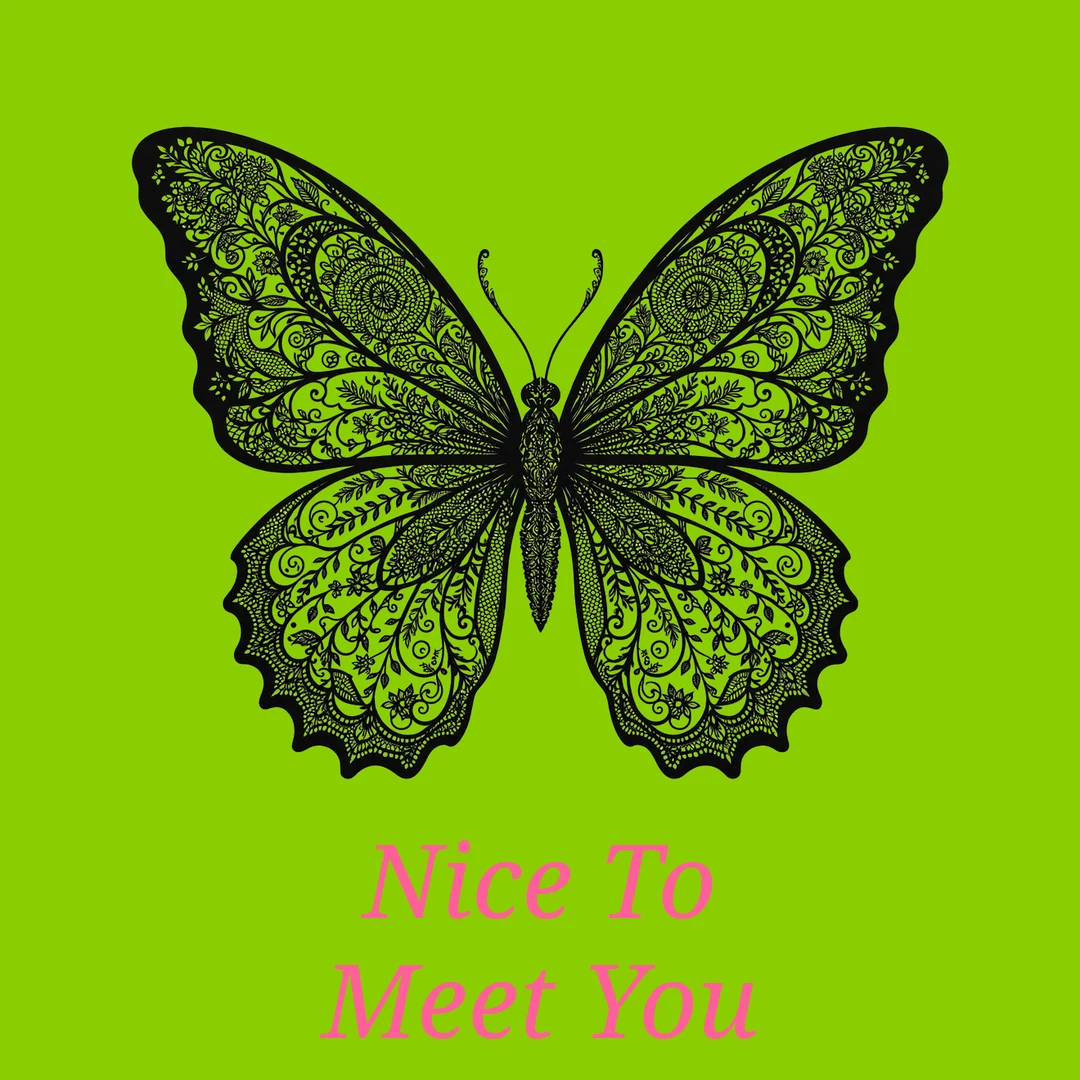
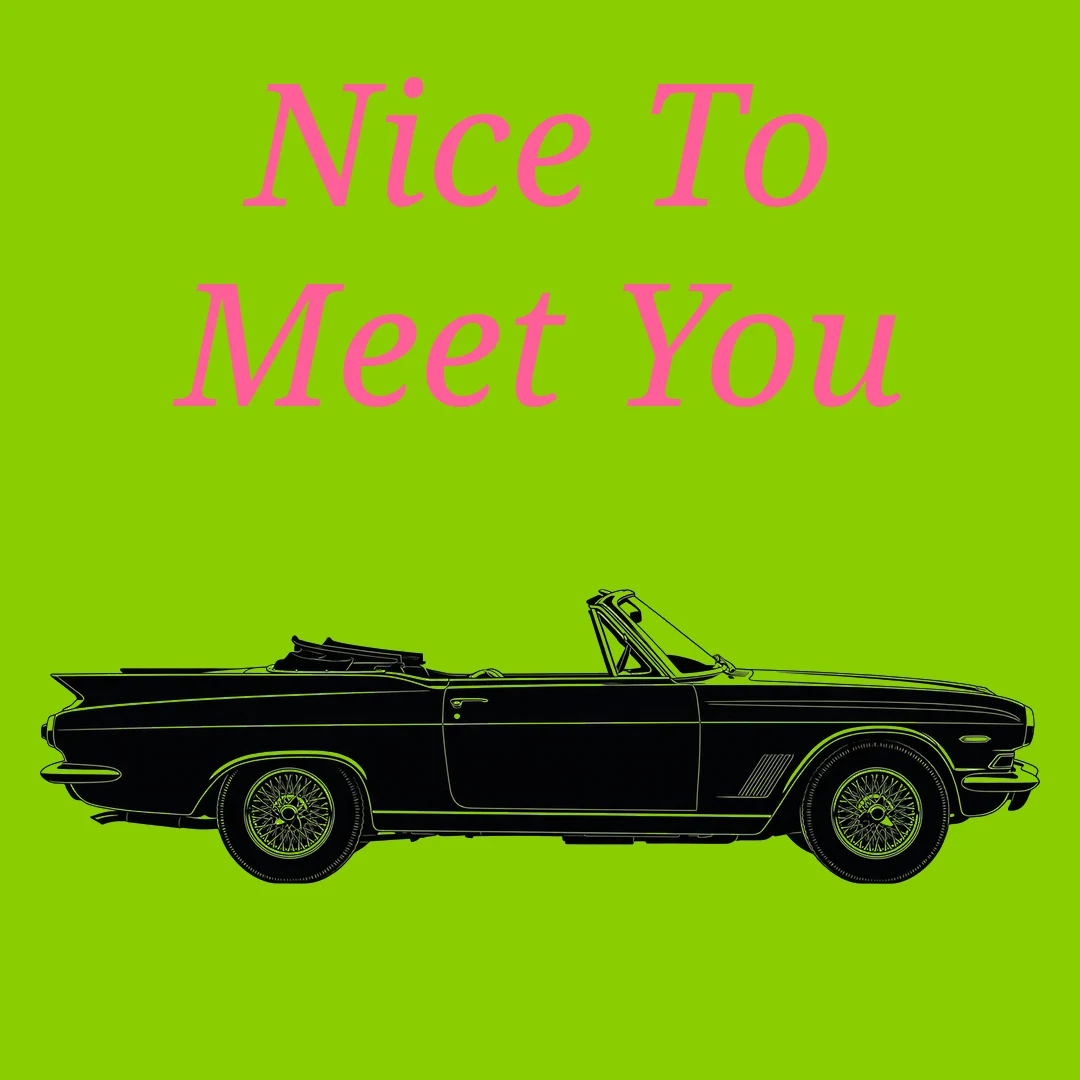
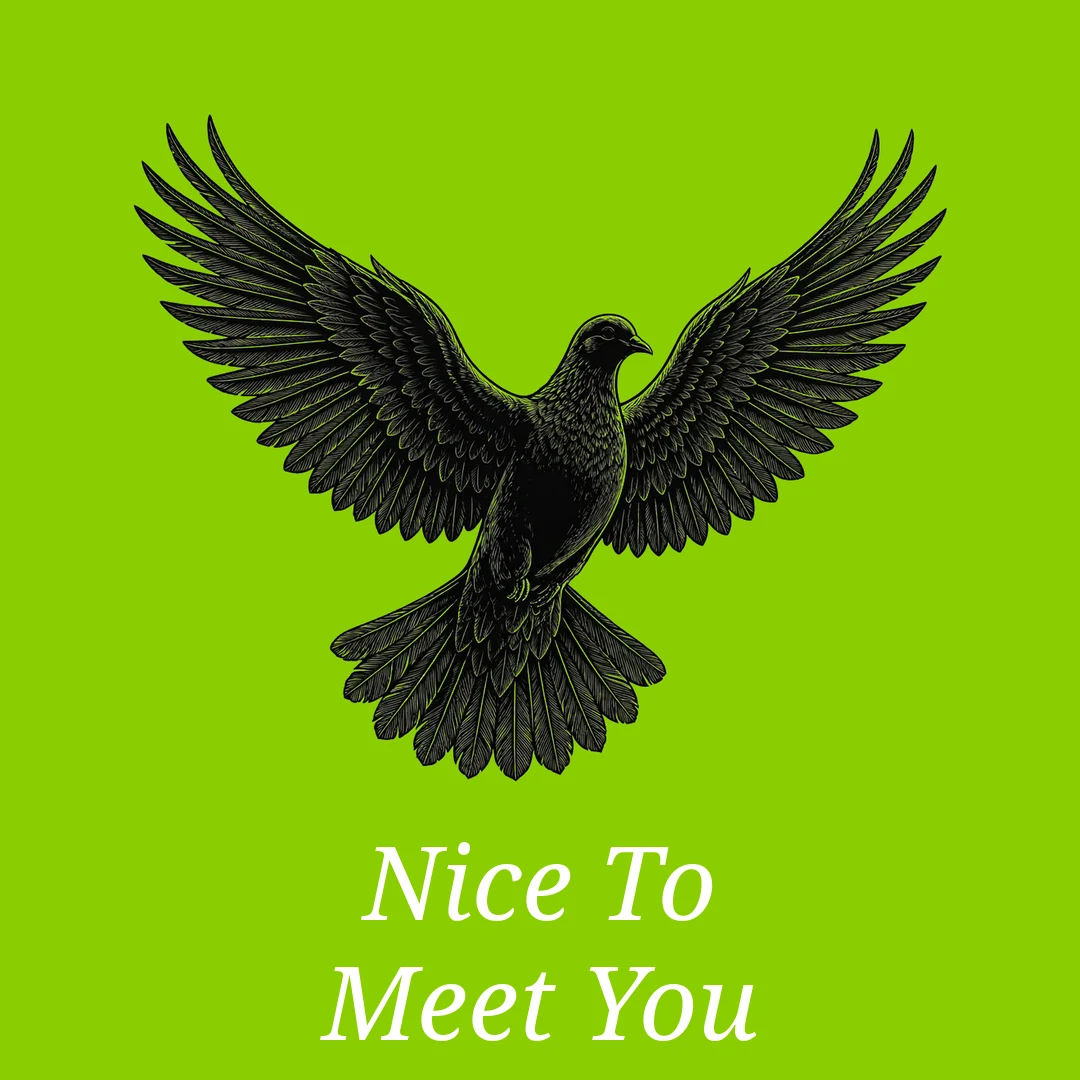
The examples above show eight designs created with this generator, including silhouettes, a butterfly, a classic car, and a dove. Each design uses different artwork, colors, and text.
You can use these examples for inspiration or create your own design by choosing artwork, adding text, and adjusting the available settings.
Which Image Size Should You Choose?
| Size | Best For |
|---|---|
| Square 1080 | Instagram and Facebook posts |
| Square 2160 | High-resolution images and printing |
| Story 1080 × 1920 | Instagram Stories, TikTok, and WhatsApp Status |
Frequently Asked Questions
Is the Brat Image Generator free?
Yes. You can create and download Brat-style images for free without signing up or adding a watermark.
Can I upload my own photo?
Yes. Upload your photo and customize it with the available filters, text, and background options.
Which download formats are available?
You can download your image in PNG, JPG, or WebP format. You can also use the Copy Image option.
Does it work on mobile?
Yes. You can use the Brat Image Generator from a mobile browser or desktop.
Is this an official Charli XCX tool?
No. TextBrat is an independent tool inspired by the visual style of Charli XCX's Brat album. It is not affiliated with Charli XCX or Atlantic Records.
More Brat Tools
Explore more free tools on TextBrat:
- Brat Generator – Create Brat-style album covers and memes.
- Brat Font Generator – Create and copy Brat-inspired text.
- Brat Generator Gratis – Make Brat-style designs.
- Brat Font for Twitter – Create text for X posts.