Brat Generator AI: Create Animations, Videos & More (Complete Guide 2026)
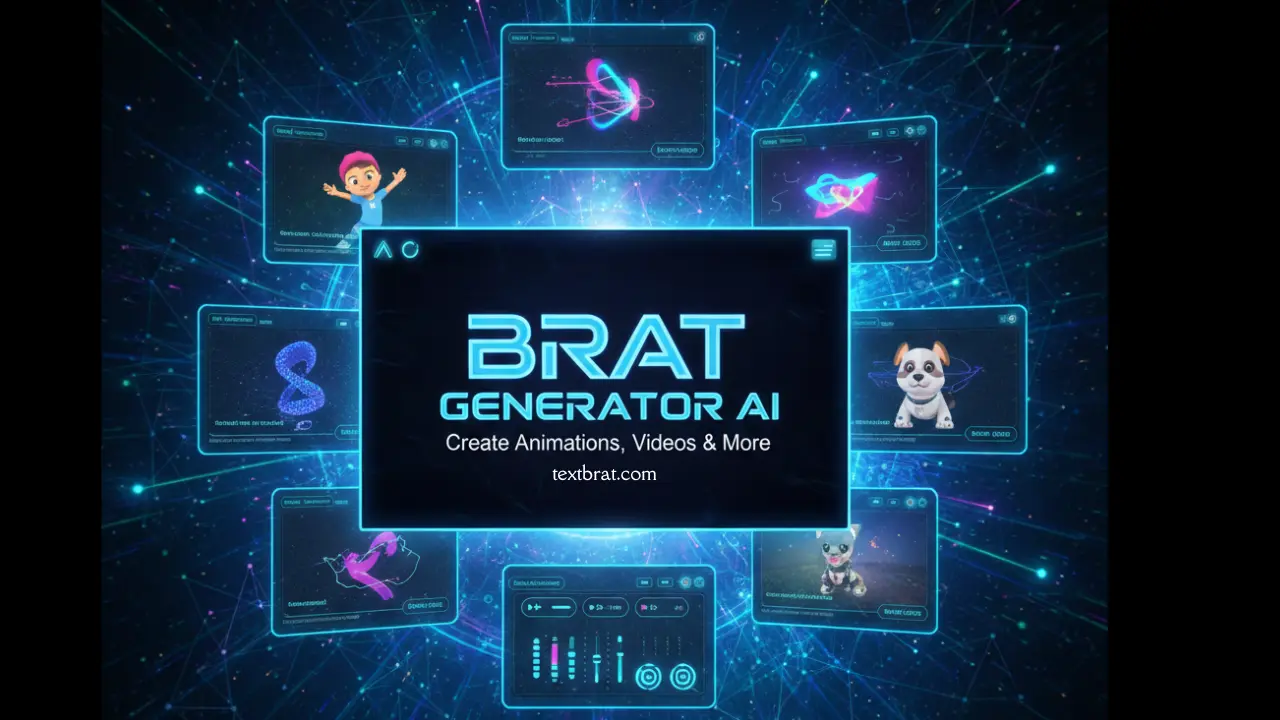
The Brat Generator AI has changed the way people create Charli XCX-style designs in 2026. At first, it was just a simple text tool. Now, it can make animations, videos, and cool graphics in just a few seconds.
What is Brat Generator AI?
Brat Generator AI is an advanced creative tool that combines artificial intelligence with the iconic Brat aesthetic. Unlike traditional generators, this AI-powered version offers automatic design optimization, animation creation, video generation, and smart content suggestions.
The tool uses machine learning to analyze your text and automatically select the best colors, layouts, and effects. If you are creating Instagram stories, TikTok videos, or marketing materials, the AI handles the design work while you focus on your message.
Key Features & Capabilities
Automation
The automatic generation feature analyzes your content and creates optimized designs instantly. You can just type your text, and the tool does the rest. It picks colors, fonts, and layouts automatically, so you don’t have to design everything yourself. This saves a lot of time.
Animation Tools
You can add simple animations where the text shows up slowly, along with glitch and moving effects. Save your design as a GIF or MP4 and share it on social media. You can also change the animation speed.
Video Generation
Turn your design into short videos in seconds. Add scenes, music, and transitions with a few clicks. It works great for TikTok, Reels, and YouTube Shorts.
Style Options
Choose from five popular styles:
- Original Brat classic lime green with black text
- Pink Brat has a soft, playful aesthetic for beauty content
- White Brat has a clean, minimalist design for professional use
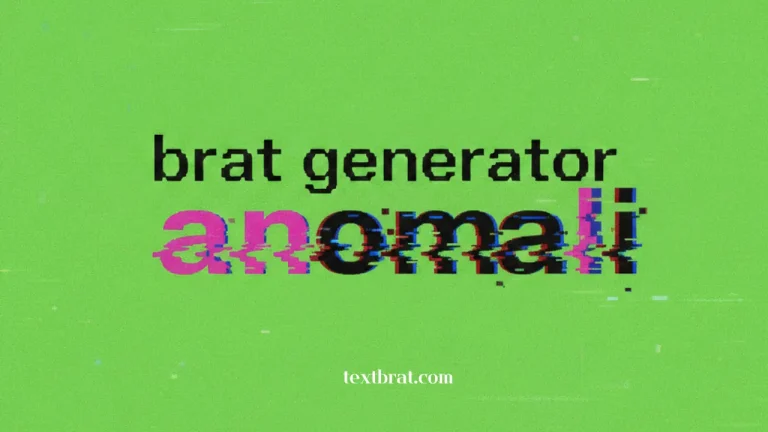
- An anomaly, artistic, messy style for creative projects
- Customize your own color combinations and effects
Brat Generator App & APK Download
| Feature | iOS App | Android App |
|---|---|---|
| Store | App Store | Google Play Store |
| OS Required | iOS 14.0 or later | Android 8.0 or higher |
| Download Size | 45 MB | 38 MB |
| Price | Free and premium features | Free |
| Extra Features | Widget support, offline mode | Regular updates & bug fixes |
APK Download Safety
While APK files can be downloaded from third-party sources, we strongly recommend using official stores like Google Play, Samsung Galaxy Store, or verified platforms like APKMirror. Always check permissions before installing and avoid unknown sources that could contain malware.
To install from APK:
- Enable Unknown Sources
- Download from a trusted site
- Tap to install
- Give permissions
- Open the app
Brat Generator API for Developers
API Integration
Developers can integrate Brat generation directly into their applications using the RESTful API. The API supports text-to-image conversion, batch processing, animations, and video creation.
How to Use Brat Generator AI
1. Access the Tool
Visit TextBrat.com or open the mobile app. No login required for basic features.
2. Enter Your Text
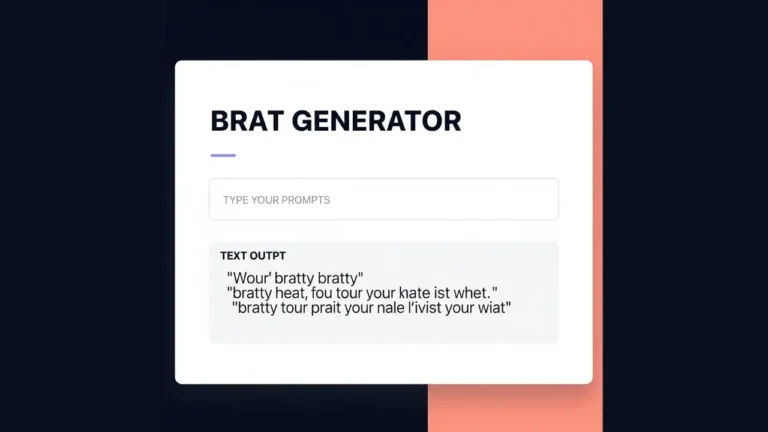
Type or paste your content. The AI automatically adjusts font size based on text length.
3. Choose Your Style
Select from Original, Pink, White, Anomaly, or Custom styles. The AI suggests the best option based on your content.
4. Customize (Optional)
Adjust colors, fonts, effects, and layout. The AI provides real-time previews as you make changes.
5. Add Effects
Choose from animations, glitter, neon glow, glitch effects, or particle systems. Set duration and intensity.
6. Generate & Download
Click generate and wait 2 to 5 seconds. Download as PNG, JPG, GIF, or MP4 based on your needs.
7. Share
Post directly to Instagram, TikTok, or Twitter, or download for later use.
Creative Use Cases
Different Types of Brat Generators
Tips for Best Results
For Quality:
- Use high-contrast colors for readability
- Keep text concise (under 30 words)
- Test designs on mobile devices
- Export at recommended resolutions
- Use PNG for transparency needs
For Performance:
- Use templates for faster creation
- Batch process multiple designs
- Clear cache regularly
- Choose appropriate file formats
- Optimize for the target platform
Frequently Asked Questions
Conclusion
Brat Generator makes simple text styling fun and easy. You can add animations, make short videos, and use it on phones or computers.
No matter if you are a social media user, business owner, developer, or just trying it for fun, it works for everyone. Start creating today at TextBrat.com and share your designs with friends.
Related Tools: